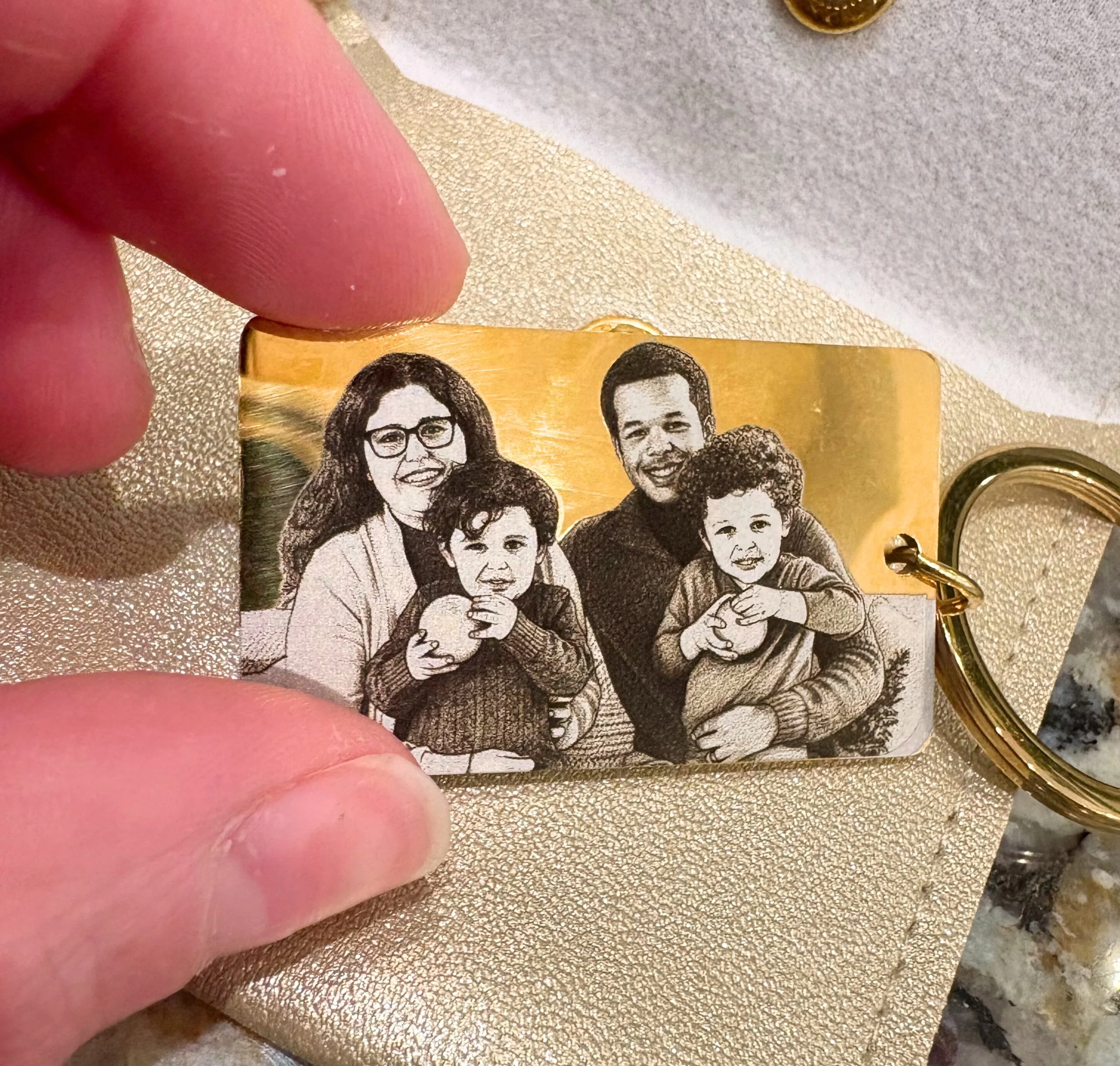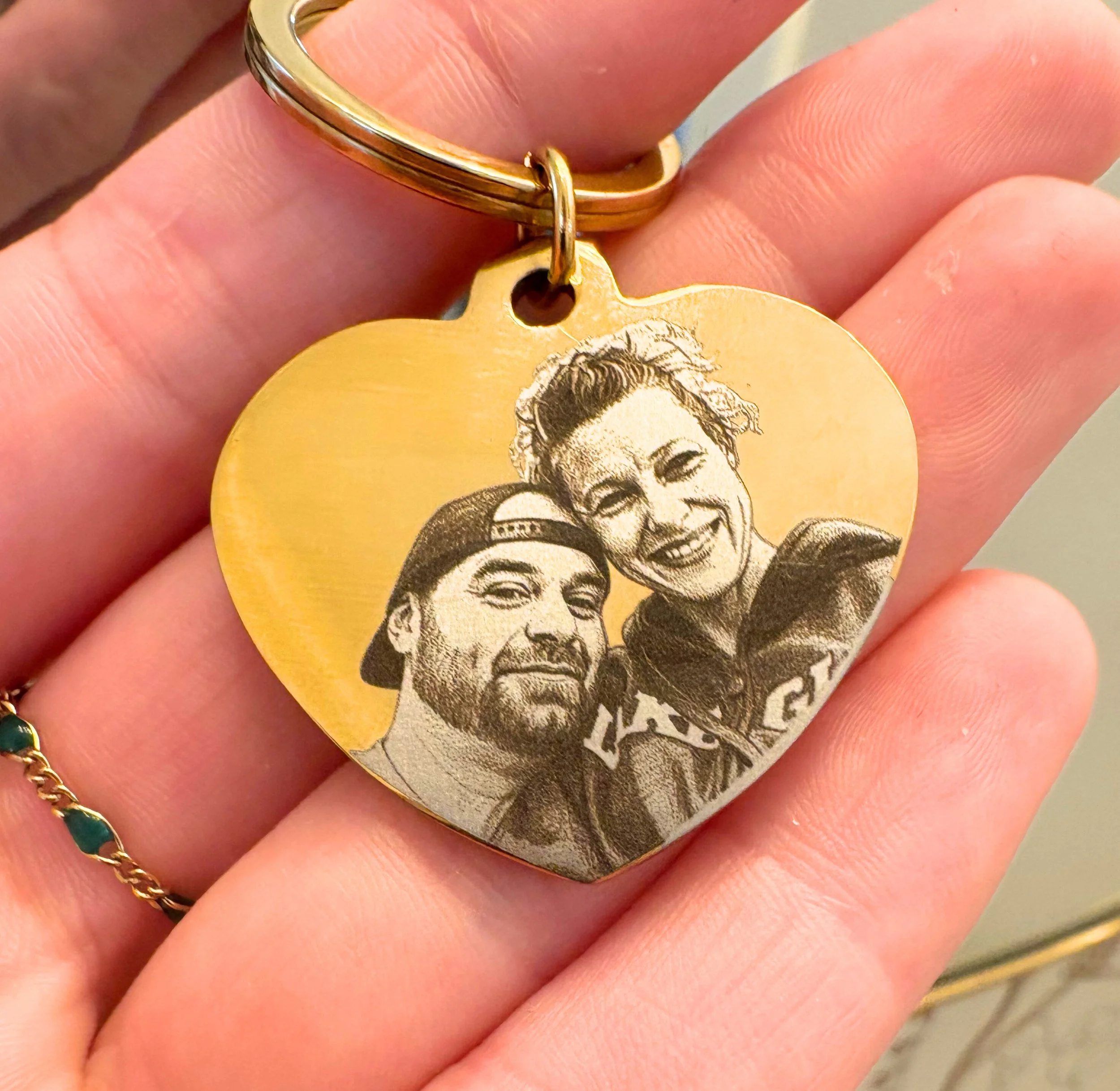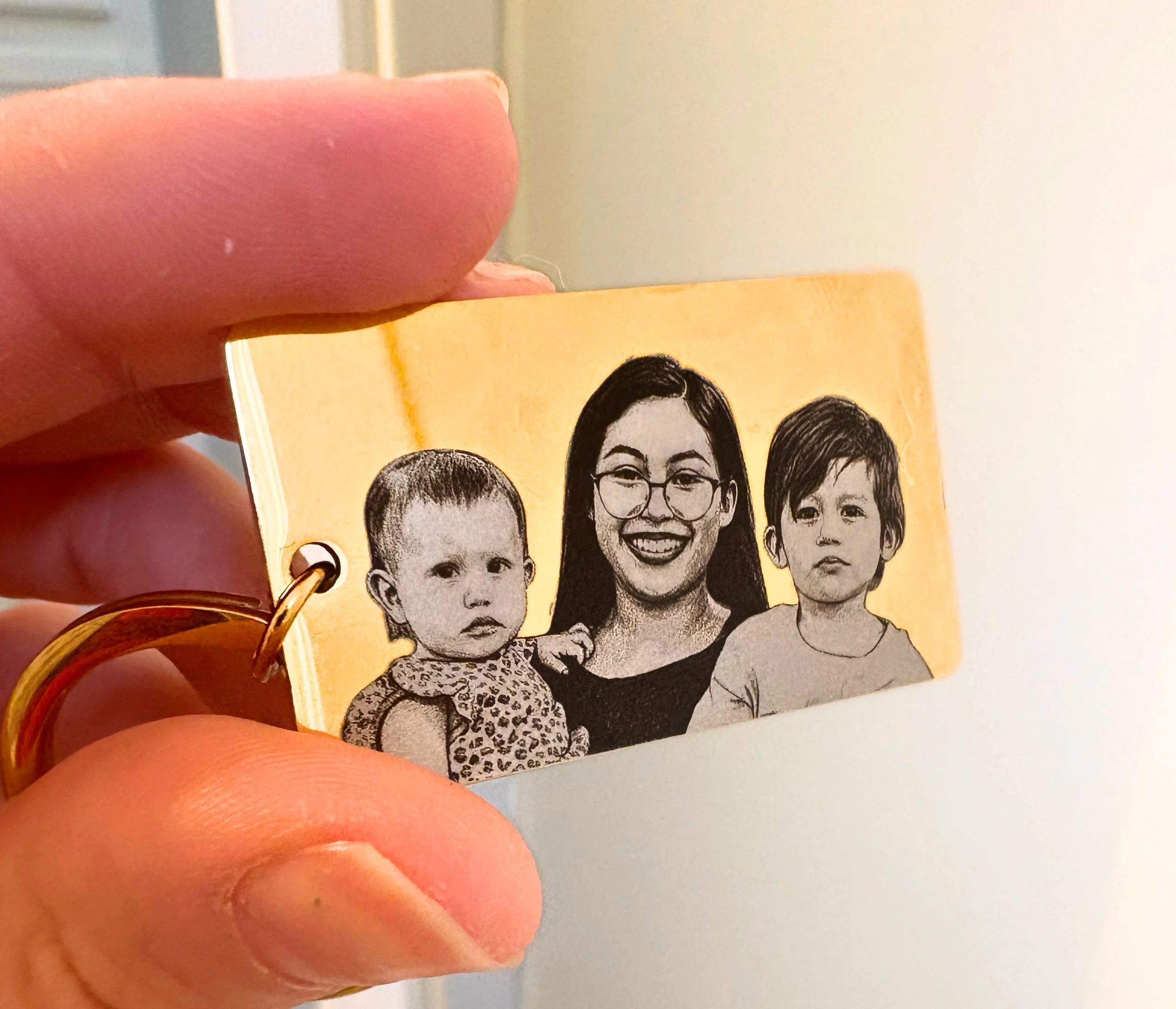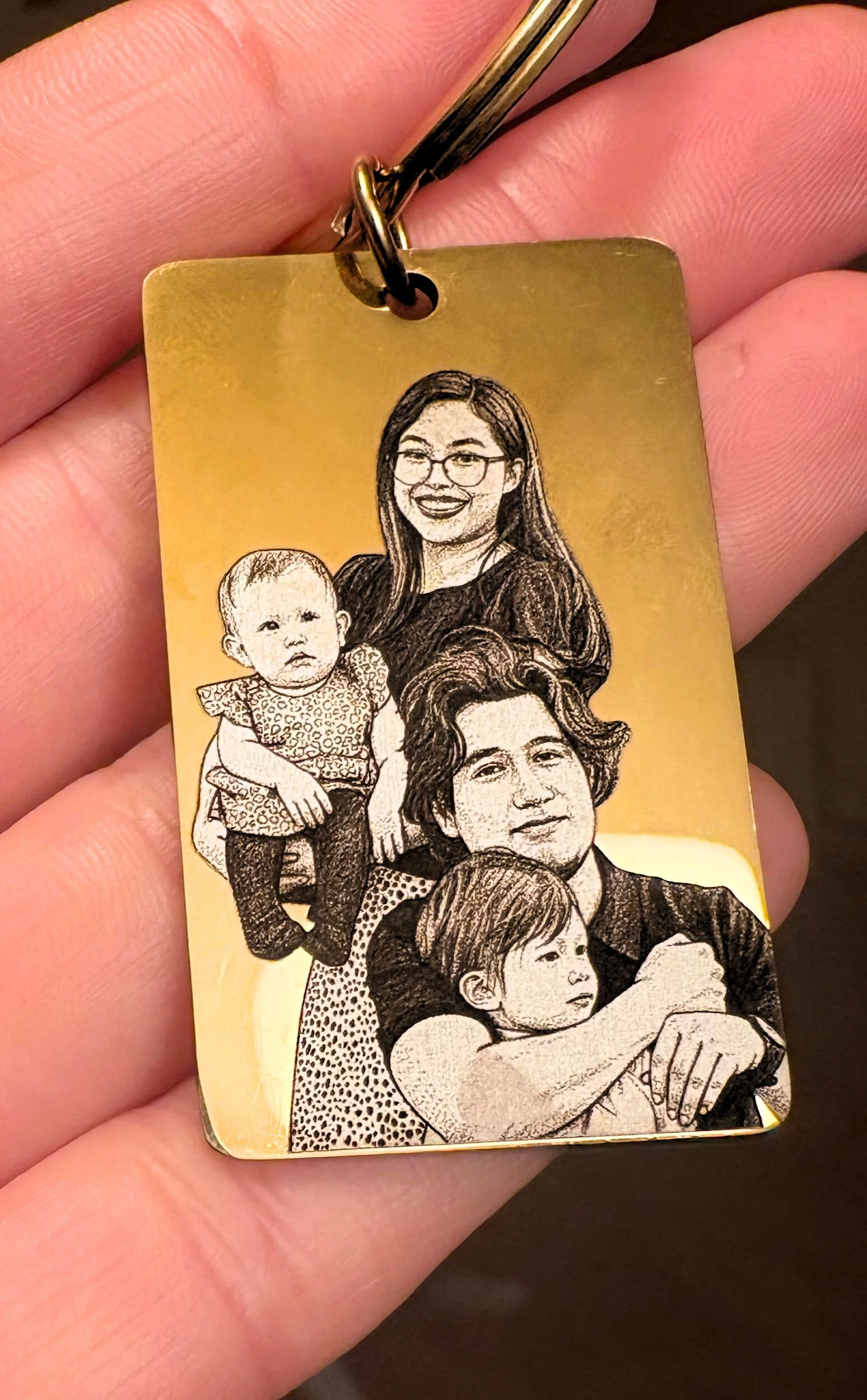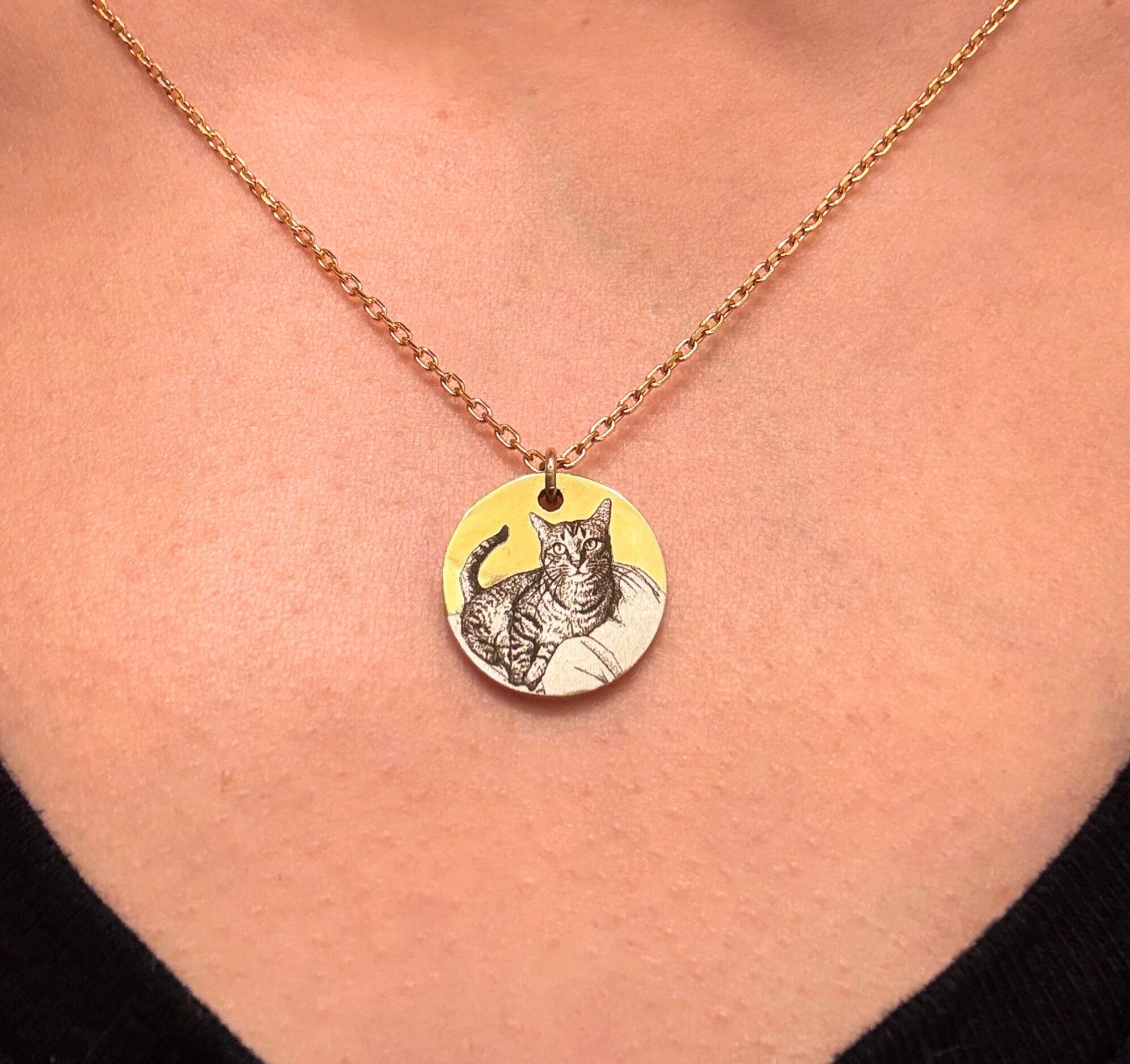
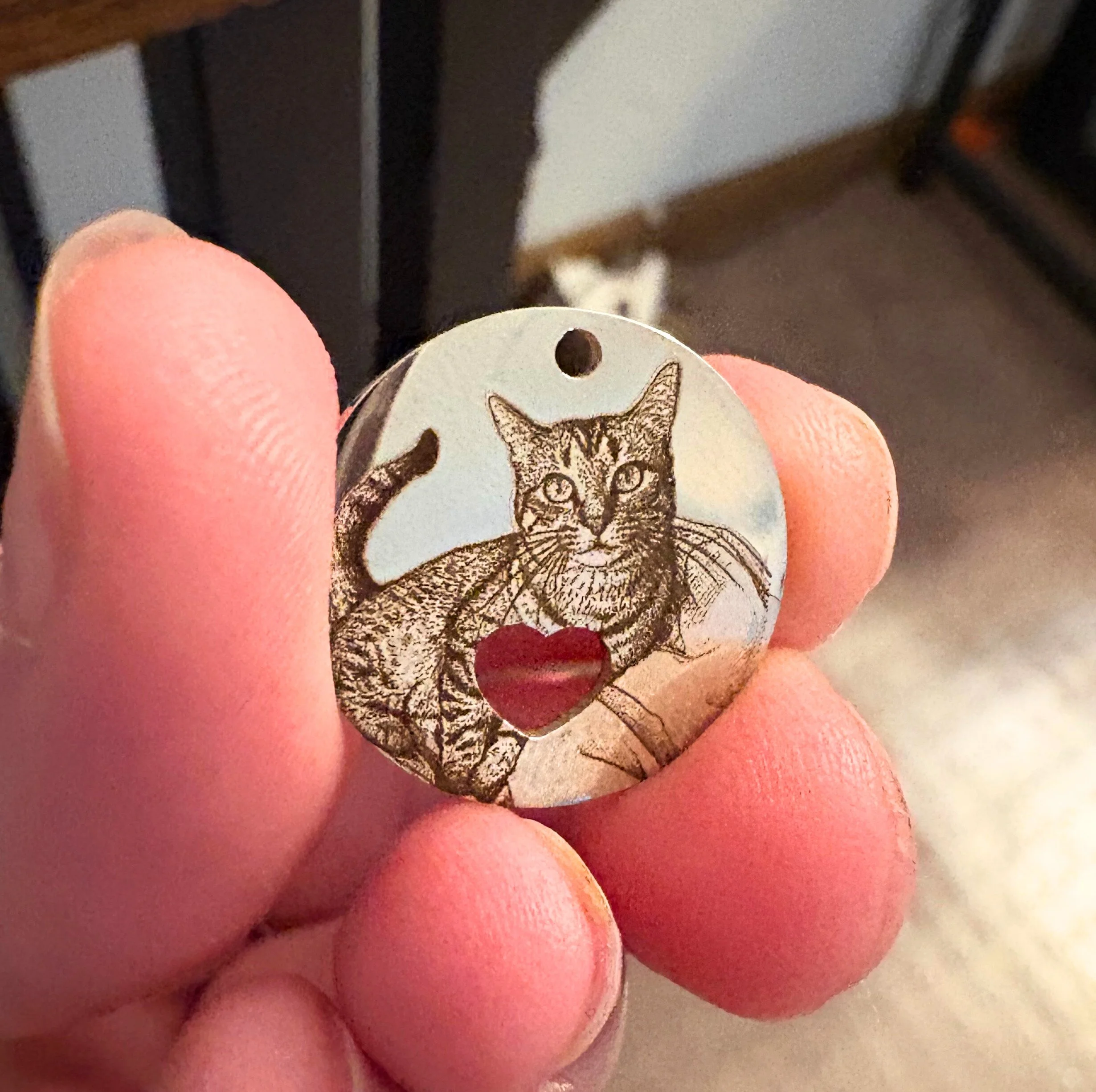
Below you’ll find answers to our most frequently asked questions about engraving standards, ordering expectations, photo requirements, processing timelines, and general policies. Reviewing this section before placing an order will help ensure the best possible results for your custom piece and a smooth overall experience.
Our goal is to provide clear guidance so you know exactly what to expect — from submitting photos and approving proofs to understanding what qualifies for engraving and how your finished item will be delivered. If you still have questions after reviewing this page, you’re always welcome to reach out.
FAQ’s
Can all requests be engraved?
At Linked by Design, we prioritize clarity, detail, and overall quality to ensure you receive a piece you’ll love. Because engraving results depend heavily on the quality of the image provided, not every photo or request will meet engraving standards.
Basic edits and enhancements are always included. We do our best to improve each photo—though in some cases, achieving the necessary clarity simply isn’t possible.
Eligibility is determined on a case-by-case basis.
Special permissions are required for trademarked and copyrighted imagery
If your photo isn’t suitable, you’ll be notified within 3 business days and may submit a new image or request a refund
In addition, Linked by Design maintains the right to decline any image or request that includes inappropriate, offensive, discriminatory, or harmful content. All engraving submissions are reviewed at my discretion to ensure they align with my quality standards and ethical guidelines. If a photo or design cannot be accepted for these reasons, you will be notified and may submit an alternative image or receive a refund.
What impacts photo quality?
Photo Guidelines:
The subject is clear, close-up, and in focus
Details on the face or main object are well-lit and easy to distinguish
The original file is high-resolution (300 DPI or higher)
The photo comes directly from a camera roll rather than a screenshot or social media save
Additional Considerations:
Low-resolution images (under 300 DPI)
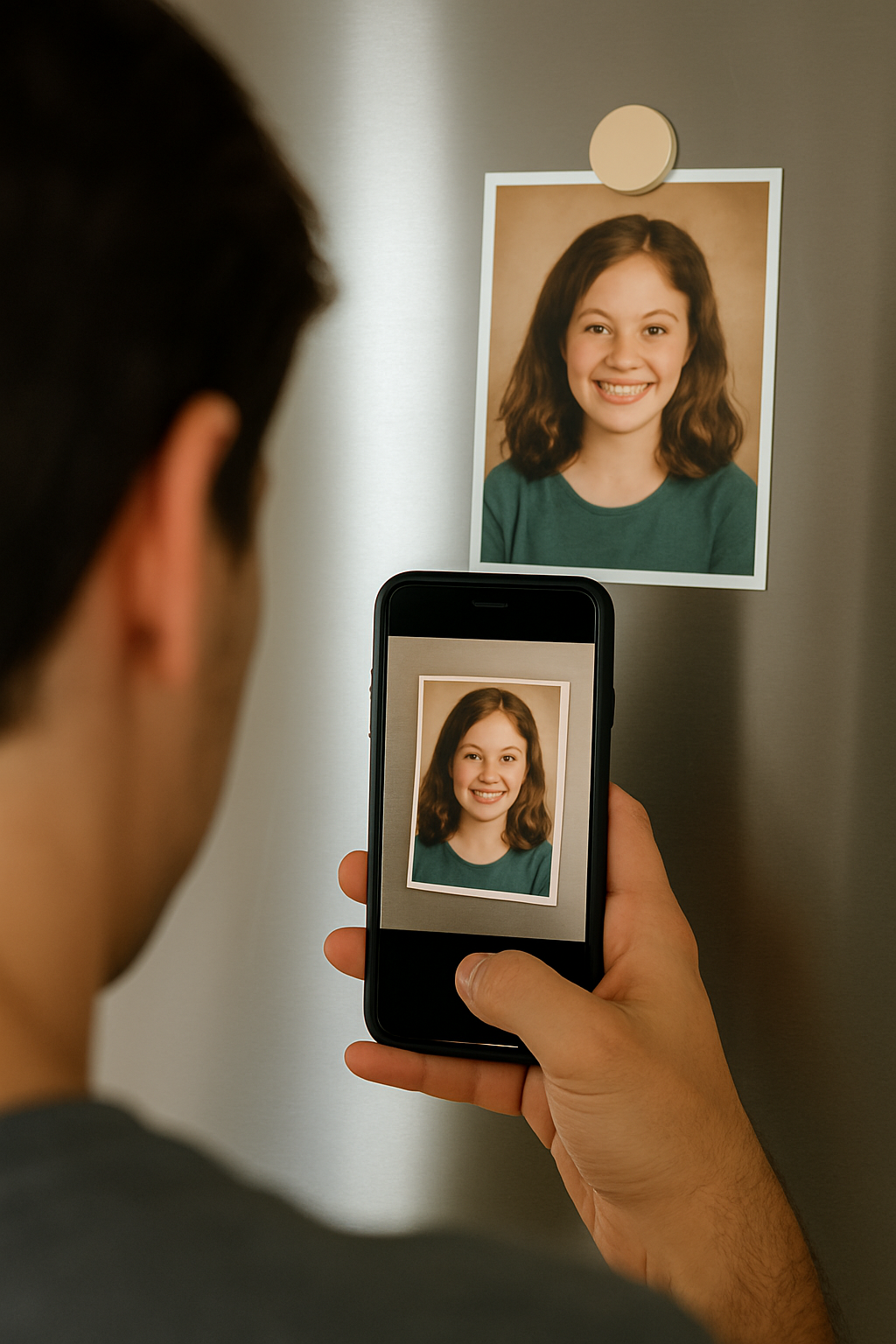
Screenshots or photos of printed photos
Images with poor lighting, shadows, or blur
Photos that were compressed when sent between iPhone ↔ Android
Heavy filters or excessive editing
Additional Notes
Most backgrounds are cropped out to preserve clarity and focus on the subject.
Most modern phone cameras meet engraving requirements; quality issues typically come from how the photo was saved or shared rather than the device itself.
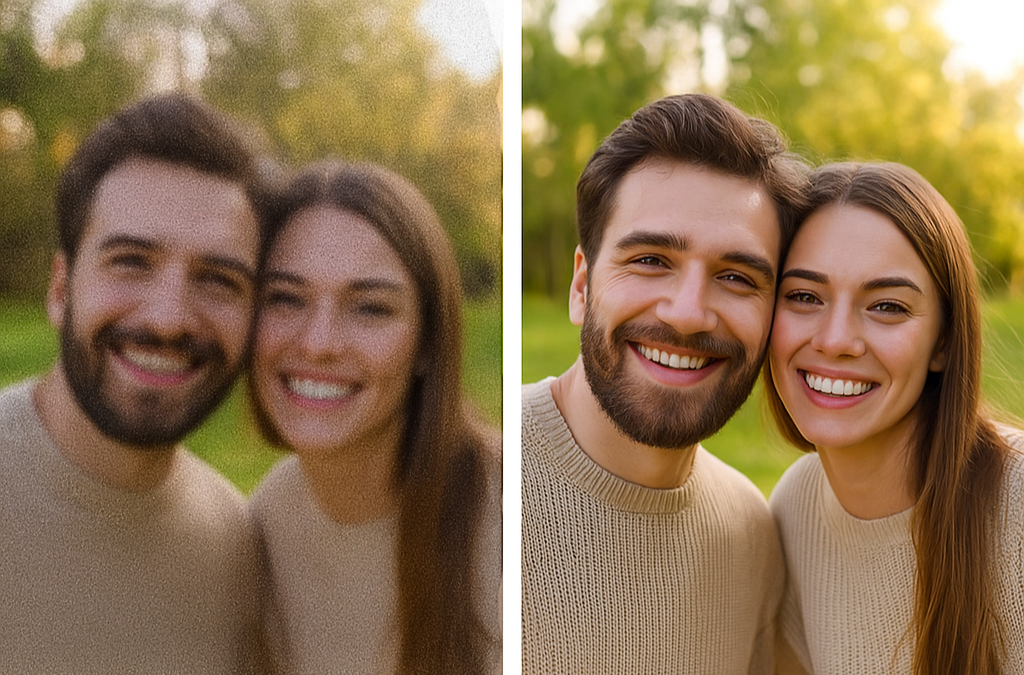

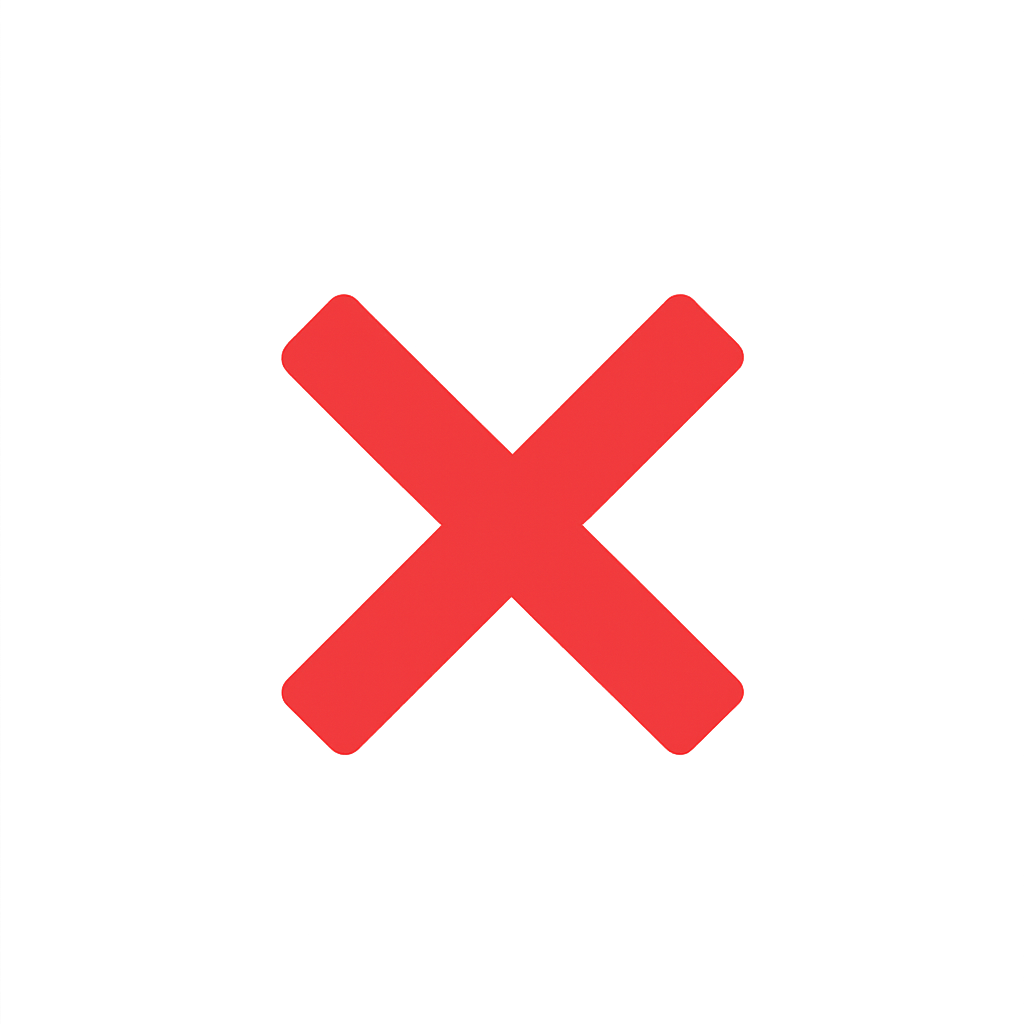
Subjects must be up close, in focus, and bright lighting
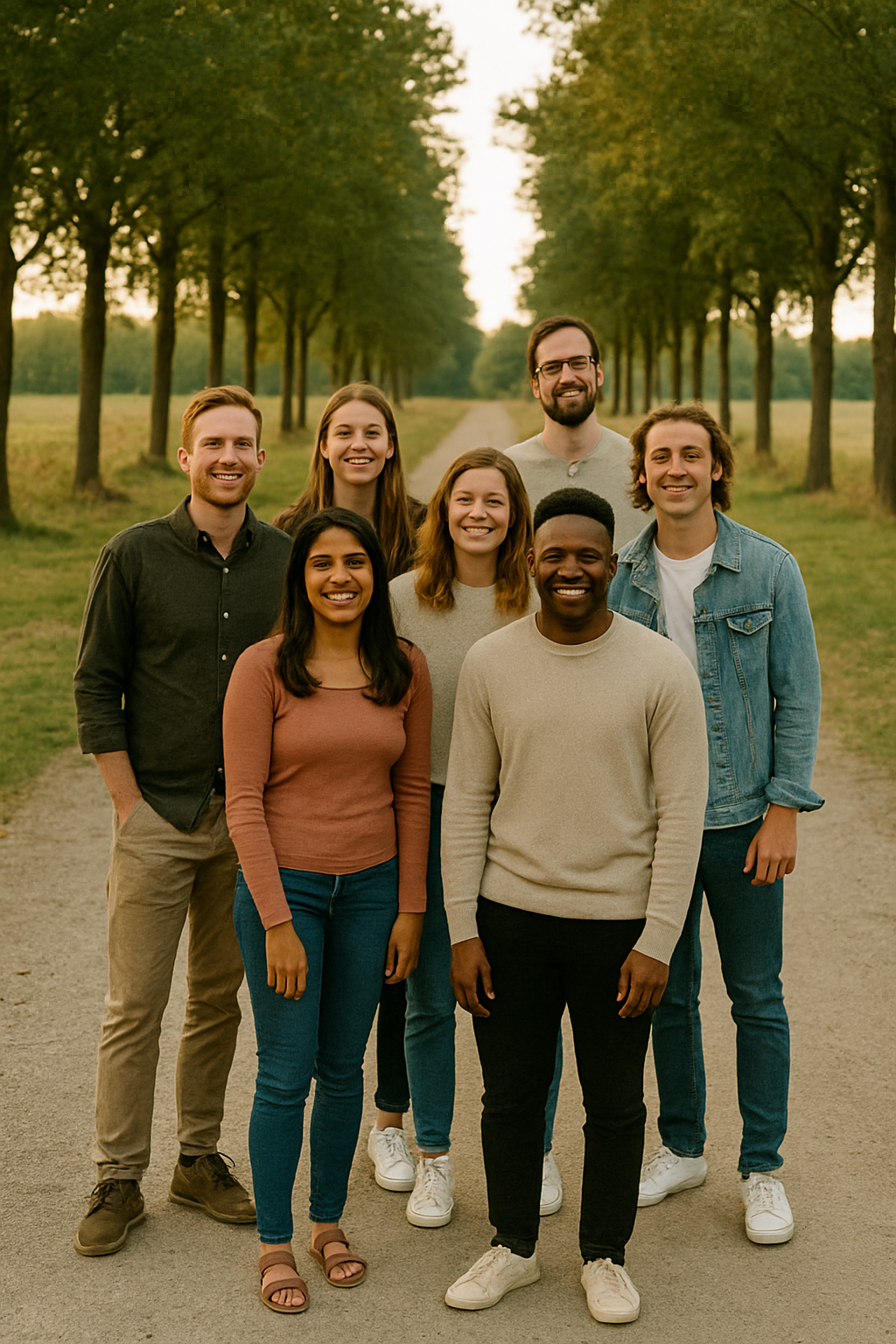
Several subjects, too far away
Photos of photos
-
Engraving Type
Each item listing specifies whether it is suitable for text, photos, or both. Some pieces have limited engraving space or proportions that do not allow a photo to engrave clearly. If a photo is uploaded for an item marked as “text only,” your order cannot proceed until a corrected submission is provided, and you will be notified.
Design Description
Please use the text field to clearly describe what you want engraved.
If selecting “photo with text,” be sure to note where you’d like the text placed.
If no placement instructions are provided, the artist will determine the placement at their discretion based on what fits best.• Font Selection
Font options are shown within the product photos.
Please select your font choice when ordering.
If no font is selected, the artist will choose one that complements the design and fits within the available space.
-
Calculating cost summary: base price (for engravable item)+ engraving selections
Base price: each piece of jewelry is priced average between $10-$30 (with some exceptions).
Cost of Engraving: $30 for photos and $10 for text. All pieces include 50% off second-side engraving ($15 photos, $5 text).
Small emoji designs (such as a heart, star, smiley face, etc. count as text.
Flash designs: $15
Custom designs (per request only): $15-$30
Price details listed in our online store!
Engraving prices vary by design complexity. A detailed quote and invoice will be provided once your request is submitted.
-
All custom-engraved items are final sale and not eligible for refund or exchange. However, we take every step to ensure you're satisfied:
A digital preview will be sent prior to engraving. If you'd like adjustments at that time, let us know and we’ll do our best to accommodate within your included edit. We won’t begin until you’re satisfied with the digital draft.
Once completed, we’ll send you a photo of the final product. If you are not satisfied with the result, we offer one complimentary revision. Any revision requests after are $10 per side.
-
Yes — engraving can be done in person at events and private parties.
Simple designs such as text, symbols, dates, initials, and basic line art can be engraved on the spot and typically take 2–5 minutes from start to finish.Photo engraving is also available in person; however:
HD realism photo engravings require advance preparation. These designs often need extensive photo editing to perfect contrast and clarity
On-site events do not allow enough time for multi-step editing
These must be submitted ahead of time to ensure quality
If you’d like a custom photo engraving prepared for pickup at an event, you can place the order online in advance and note the event date at checkout.
For HD or detailed photo engravings:
Because these take more time to edit and prepare, please order the charm online ahead of time.
At checkout, you can include a note indicating:which event you’ll be attending
that the charm should be brought to the event for your permanent jewelry piece
Your charm will be prepared in advance and linked to your chain on the day of the event.
For customers unsure what they need:
You’re always welcome to contact me before the event, and I can guide you on whether your design can be engraved same-day or should be prepared ahead of time.
-
We do not engrave personal items due to liability concerns. Since custom engravings are permanent, we want to guarantee the highest quality on materials we trust. We encourage you to browse our collection of high-quality, engravable items available in our online store
-
Orders are shipped via USPS. You can choose your preferred shipping method at checkout.
What’s the turnaround time?
Standard production for photo or text engravings takes approximately 1 week before shipping. This may vary based on order complexity, item quantity, our current queue, and your responsiveness to proofs and edits.After you place your order, you’ll receive a digital proof within 3 business days, unless otherwise noted. You may request edits at this stage. Once approved, your piece will be produced within 3 business days and shipped the following business day. A tracking number will be emailed to you upon shipment. Delivery time depends on your selected shipping speed.
Need it faster?
Rush service is available for $30 (not including shipping). You'll receive a proof within 12 hours (including weekends), and production will begin as soon as it's approved. Shipping speed depends on your chosen rate at checkout. Please let us know if your order is time-sensitive.Rush service is available 300 days a year. If unavailable at the time of your order, you'll be notified and fully refunded for the rush fee—and offered a full order refund if needed.